 betterflo
Press to talk
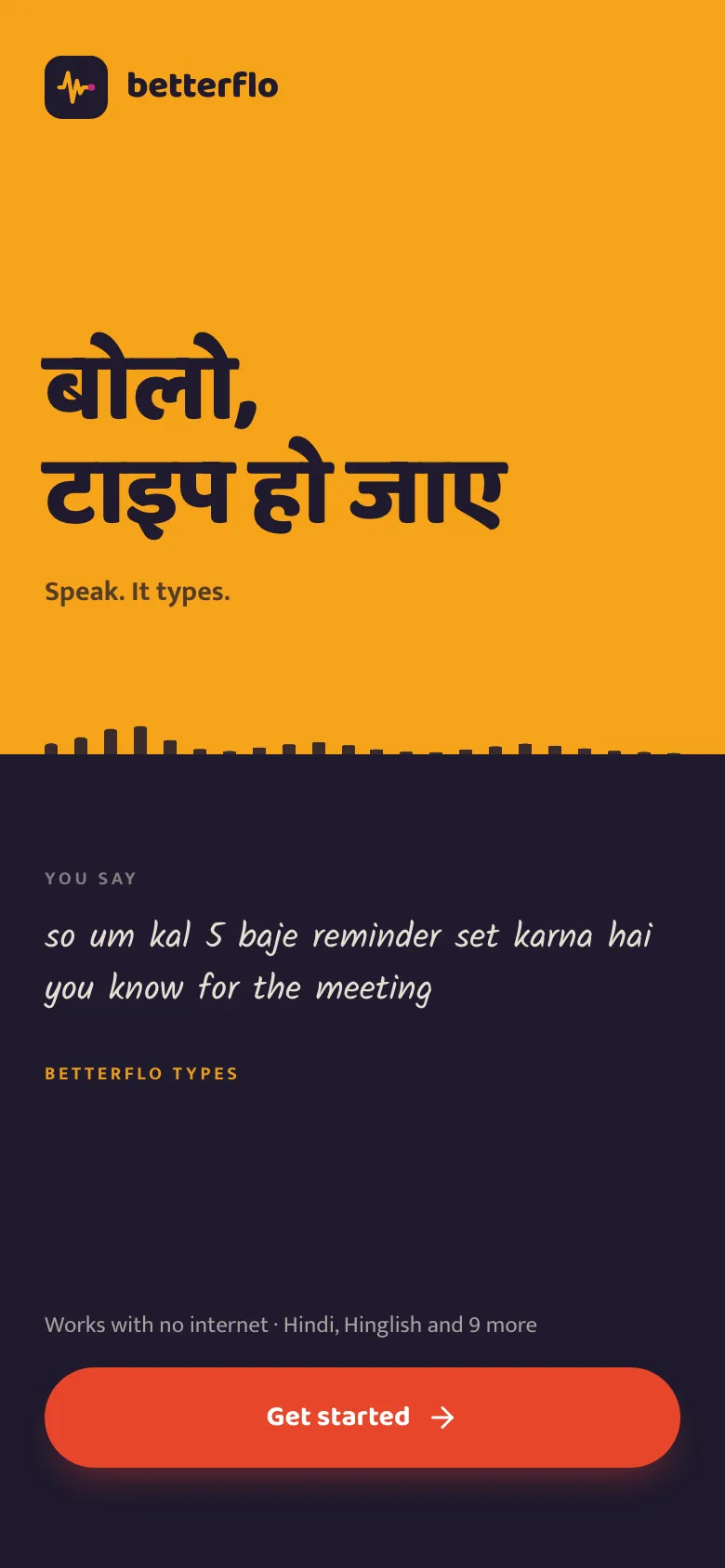
Tap the Betterflo mic in any app and just say what you mean — mix languages mid-sentence, freely.
Betterflo turns your voice into clean text in any app, right on your phone. Nothing leaves your device by default — tuned for how India actually talks, code-switching included.
No cloud round-trip. From the moment you press the mic, everything happens on the device in your hand.

Tap the Betterflo mic in any app and just say what you mean — mix languages mid-sentence, freely.
An on-device model turns your speech into text instantly — no internet, no server, nothing sent.
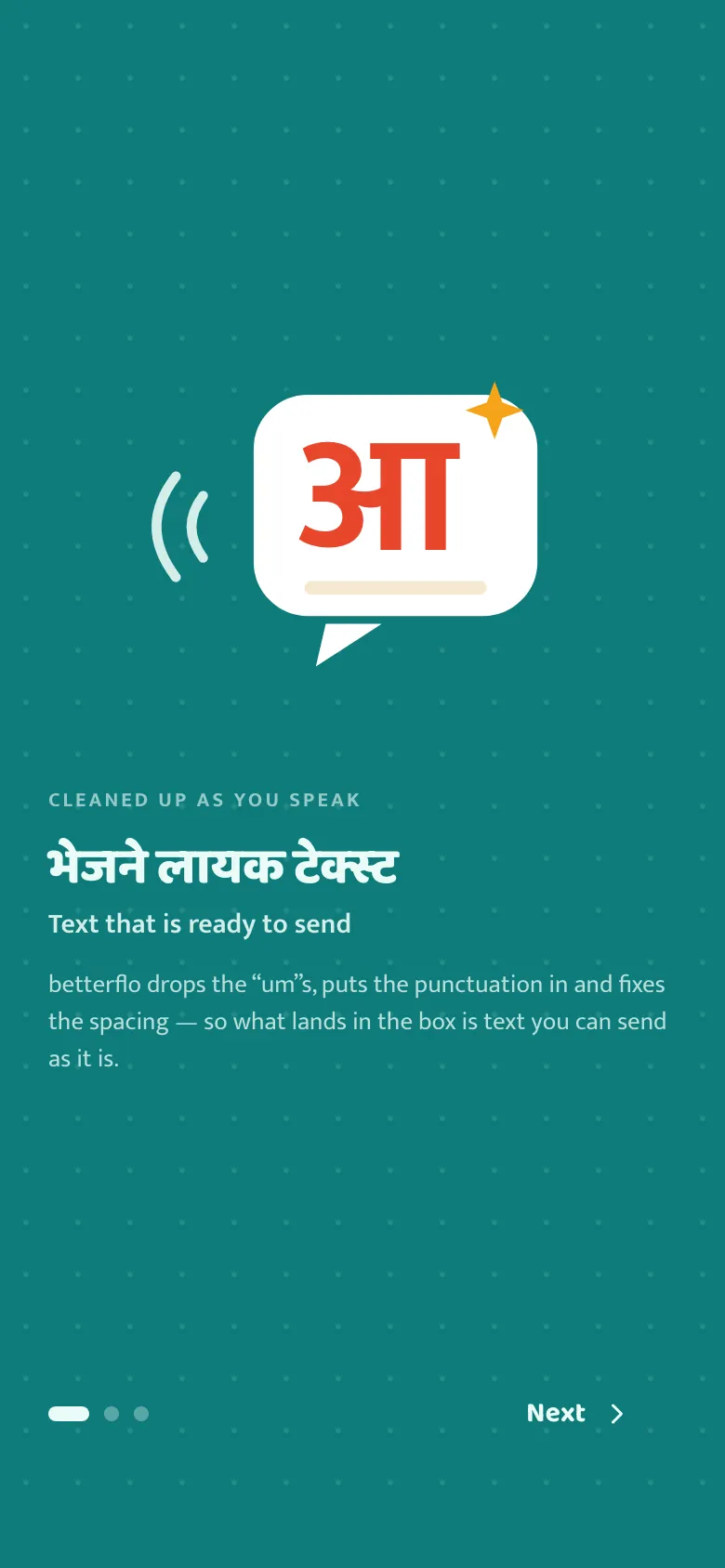
Punctuation and casing are tidied automatically. It fixes — it doesn’t rewrite what you said.
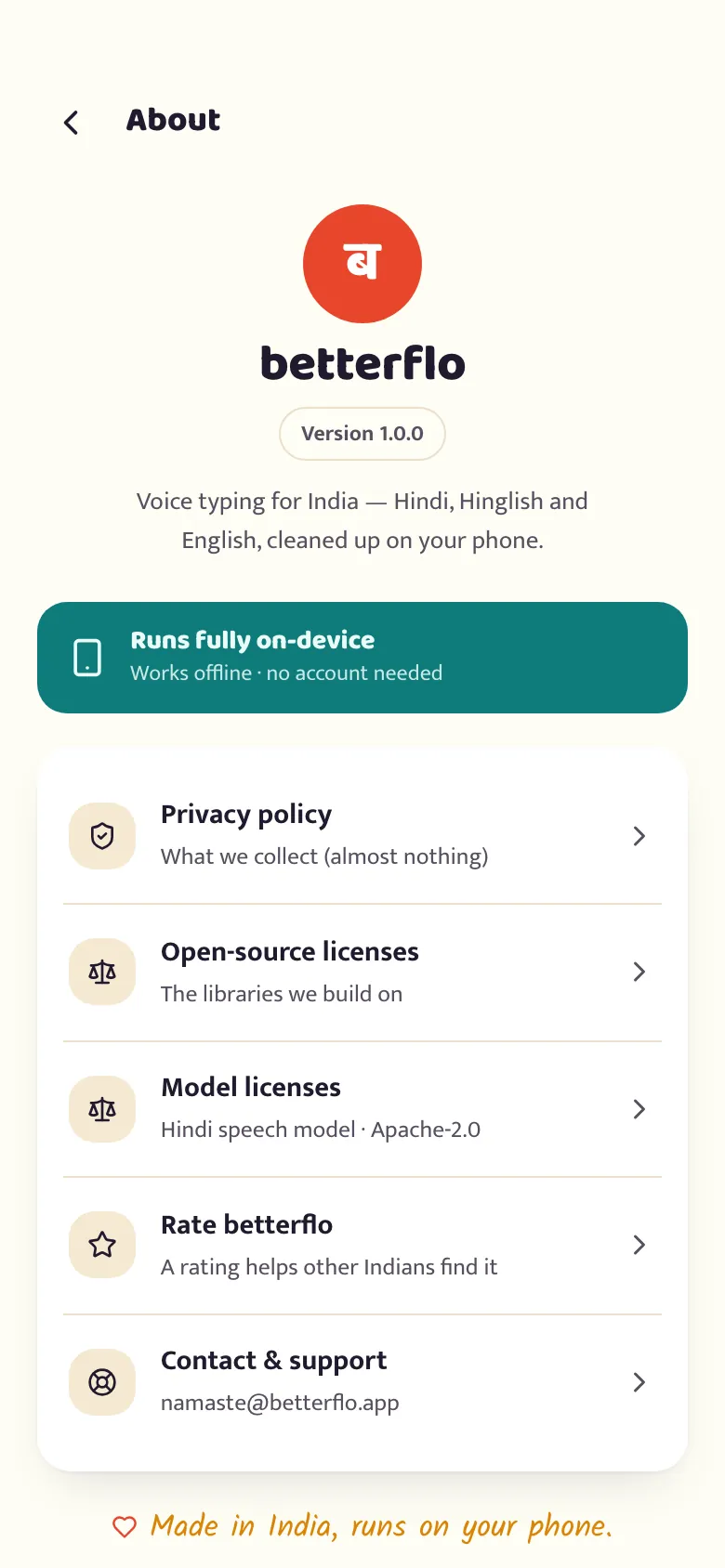
A walk through the build you can install today — every screen here is in the app, not a mock-up.
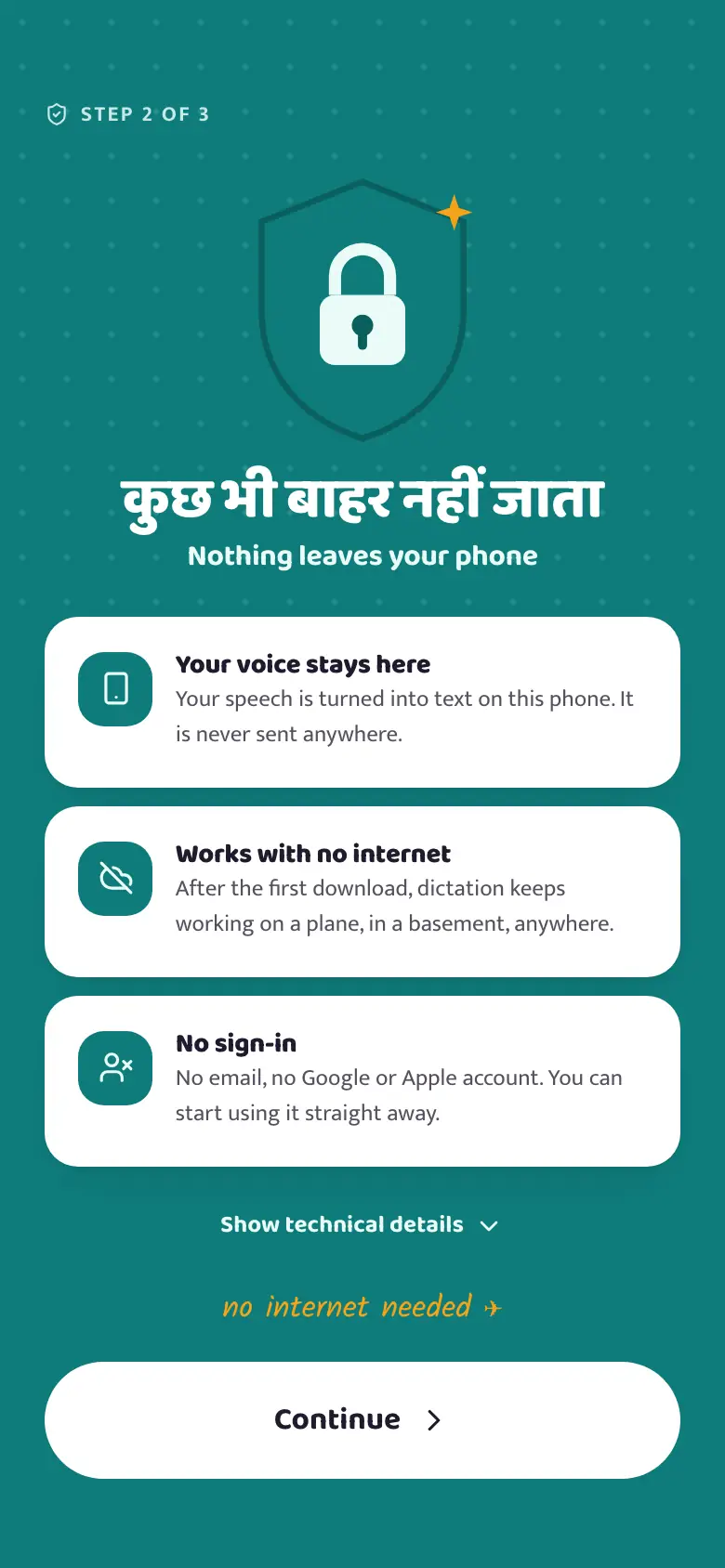
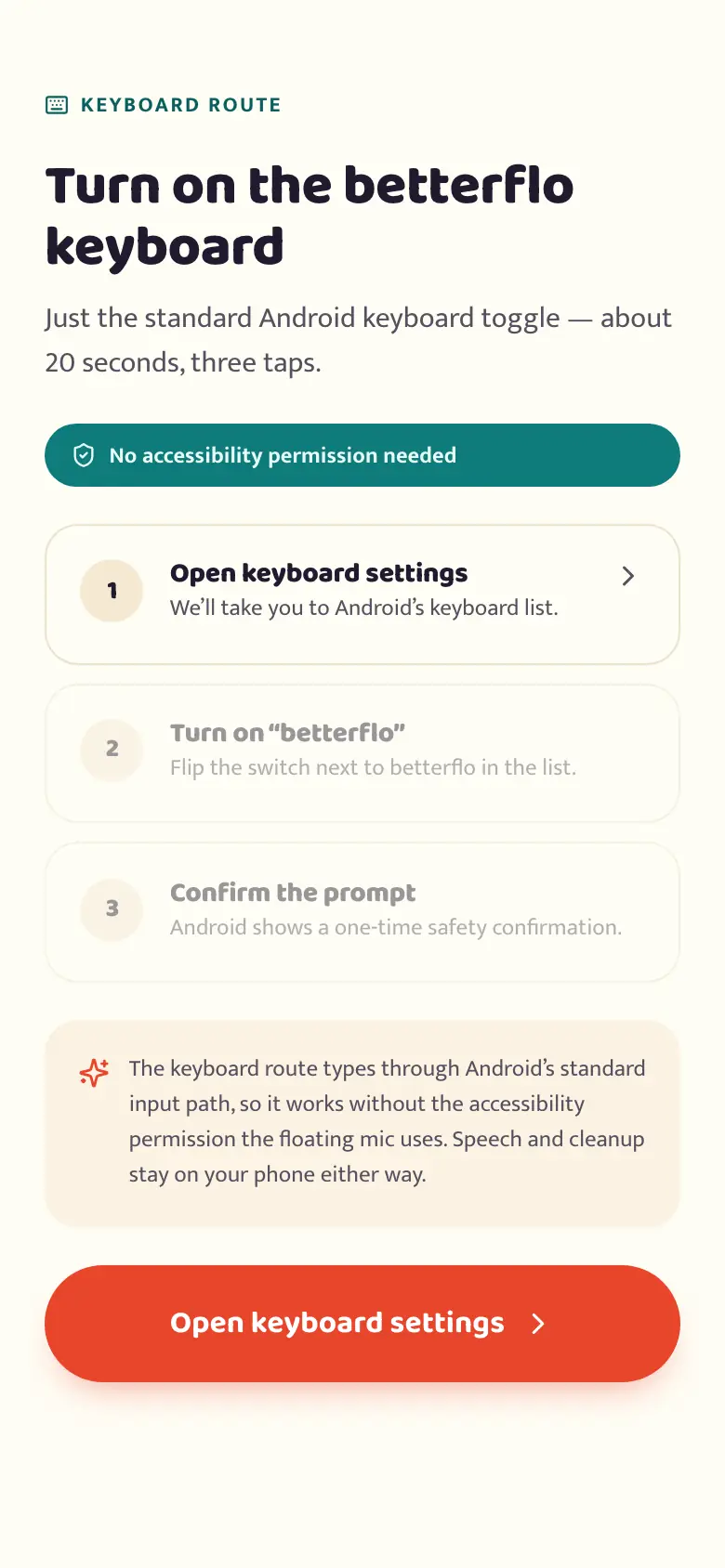
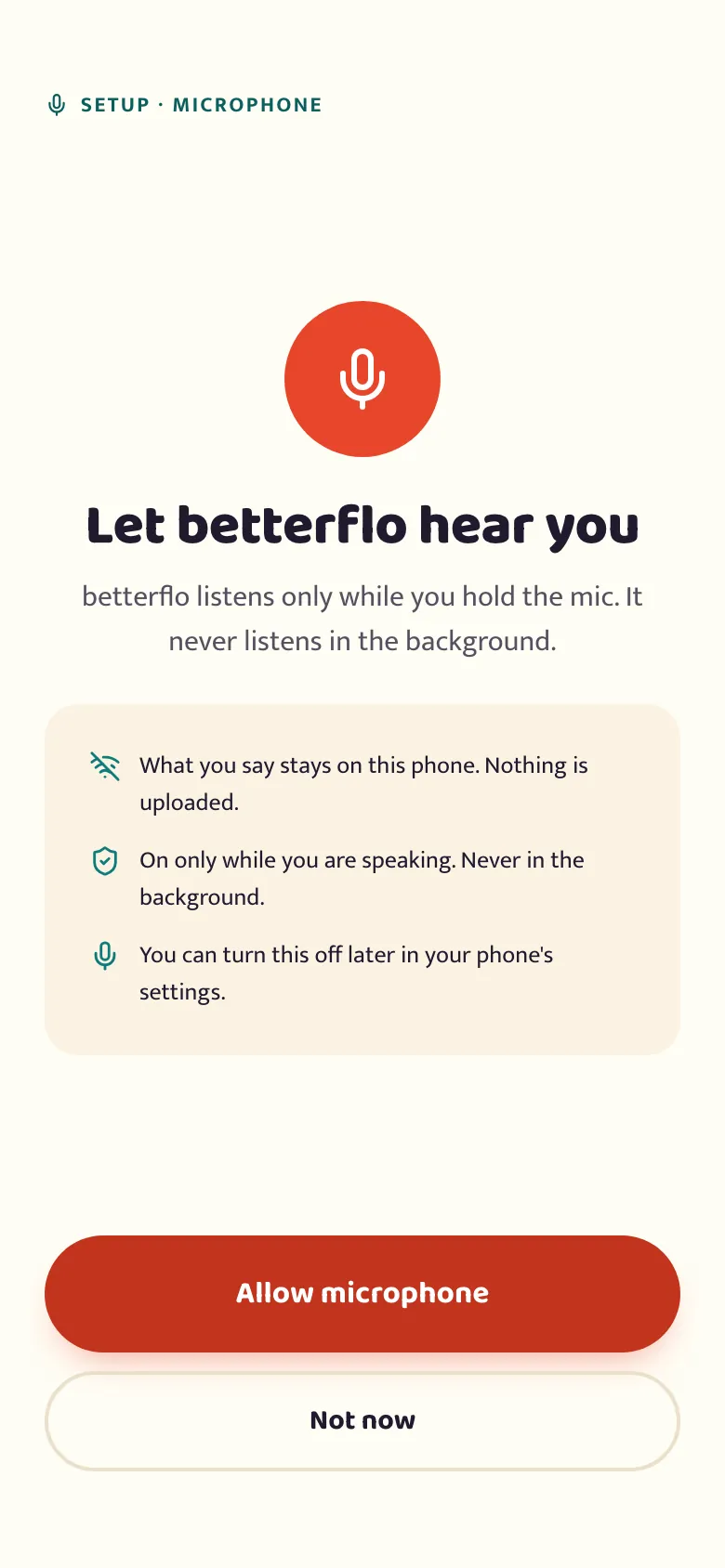
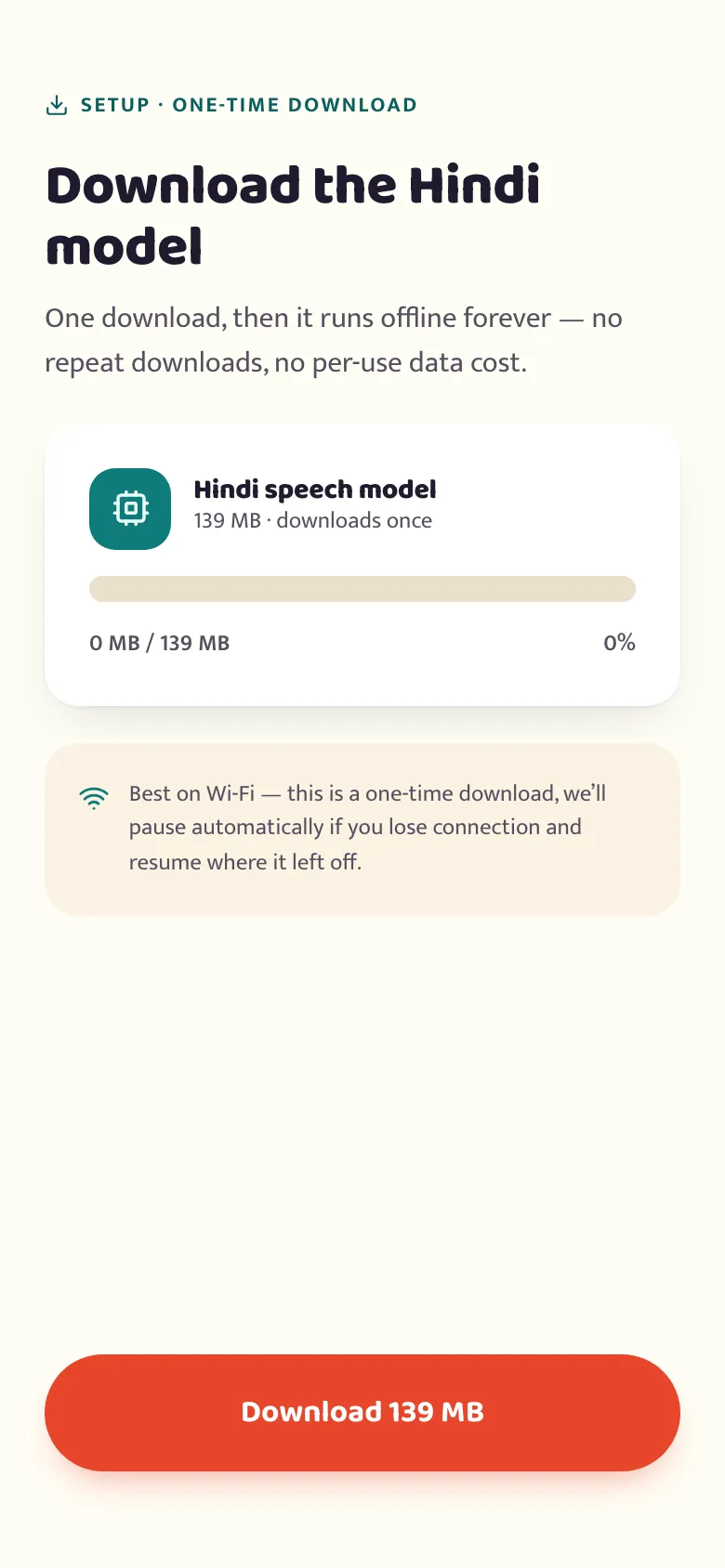
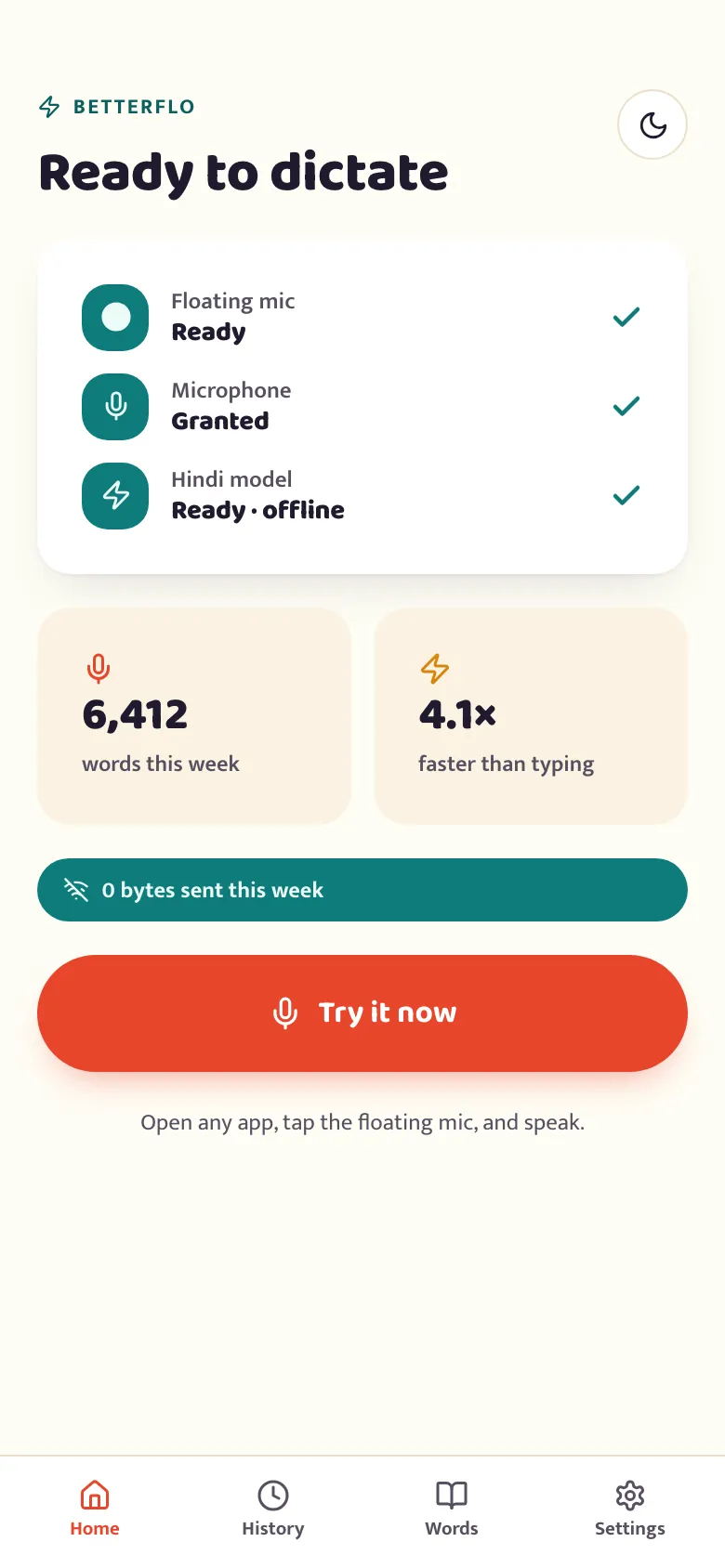
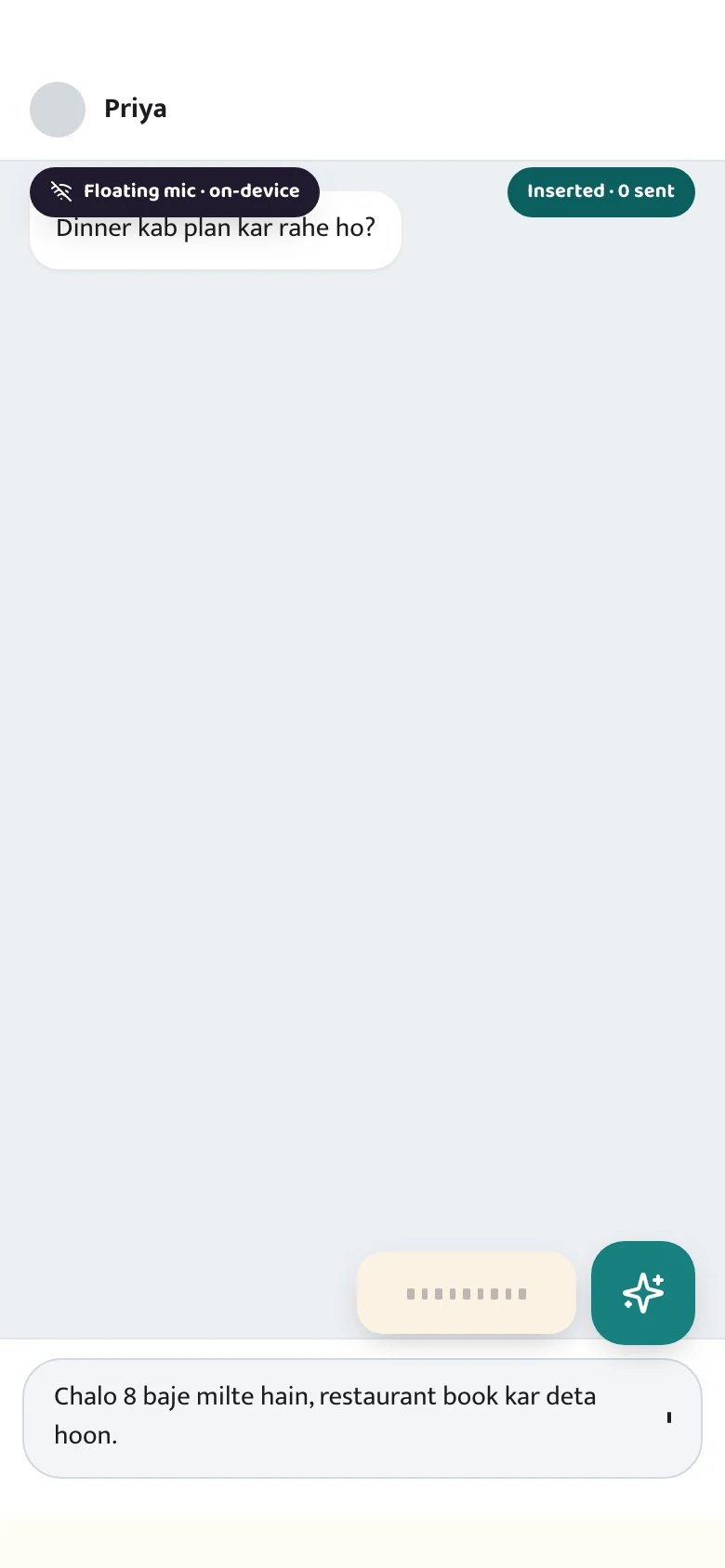
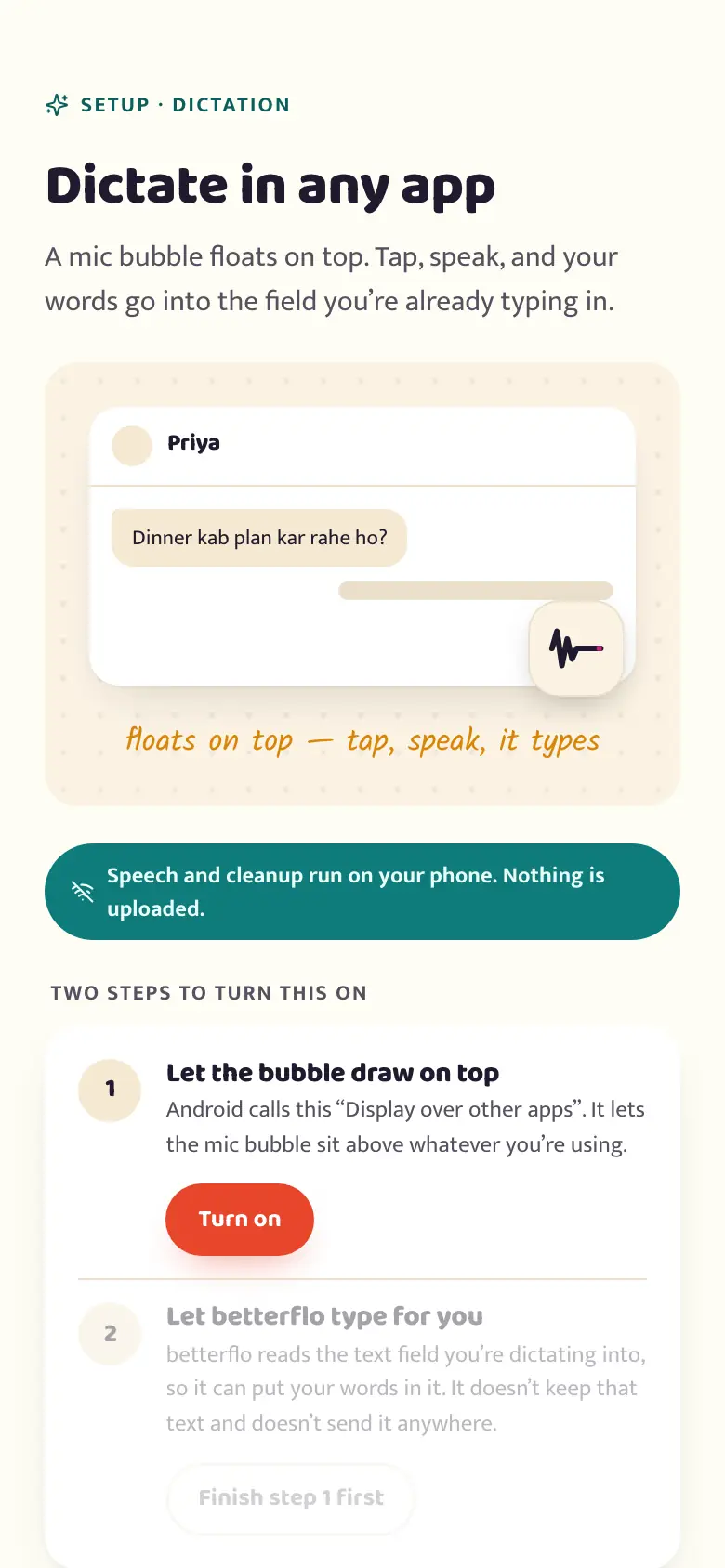
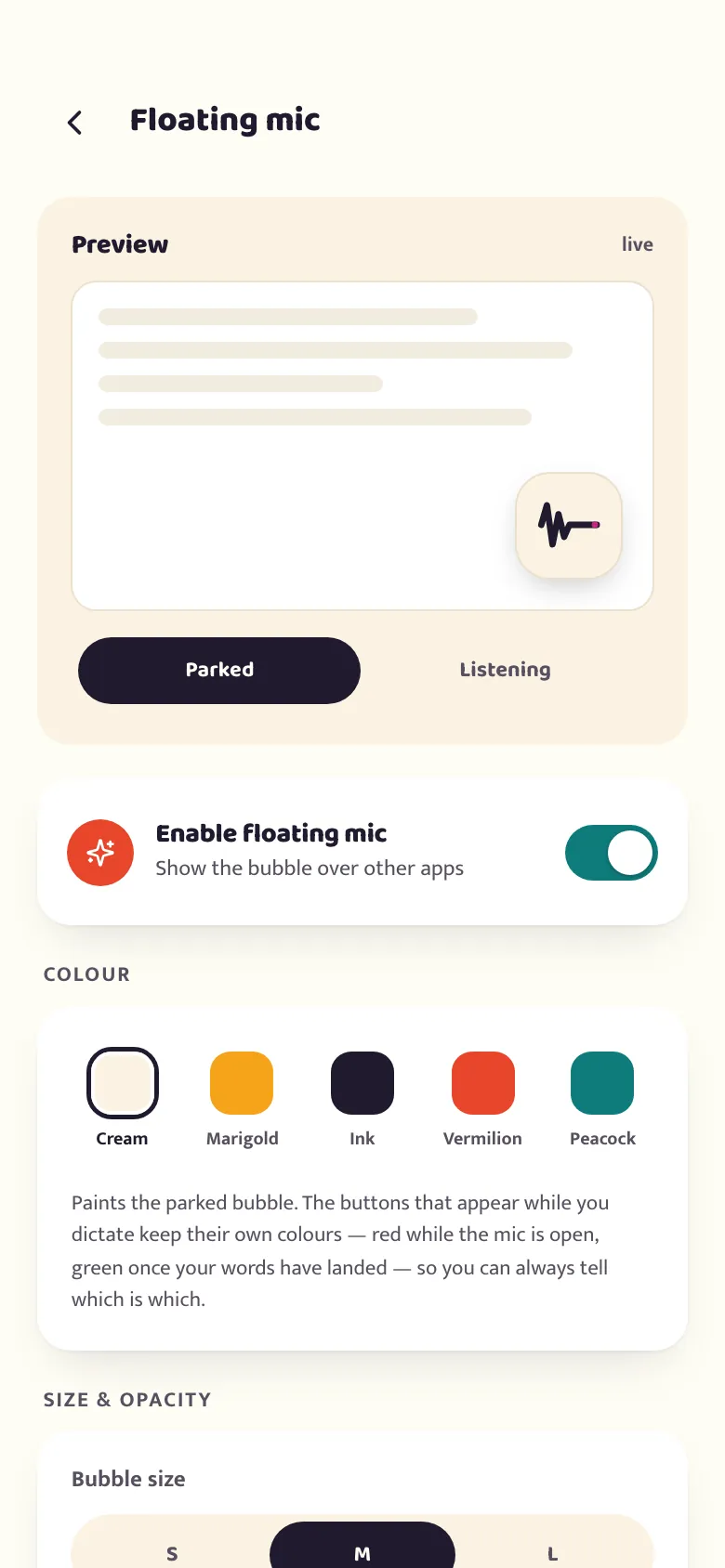
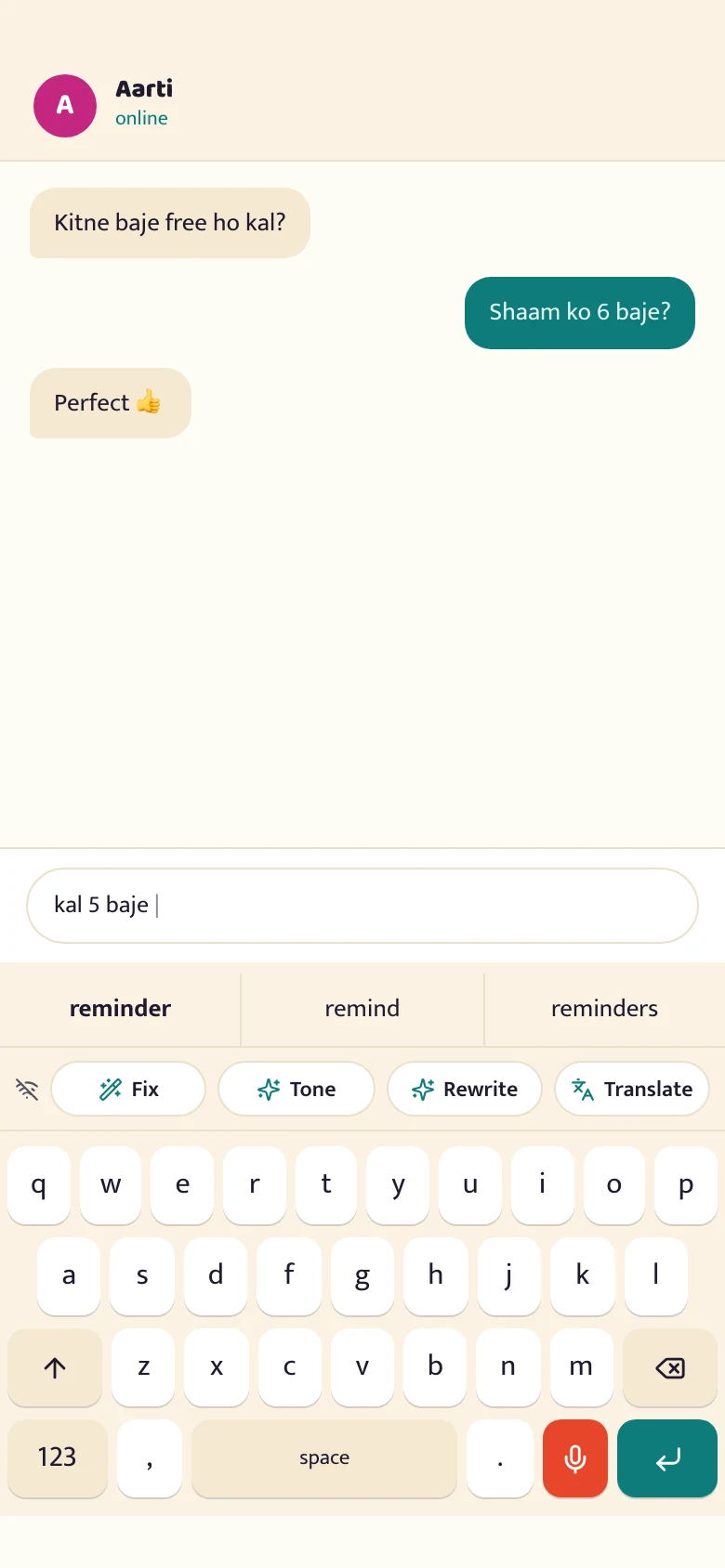
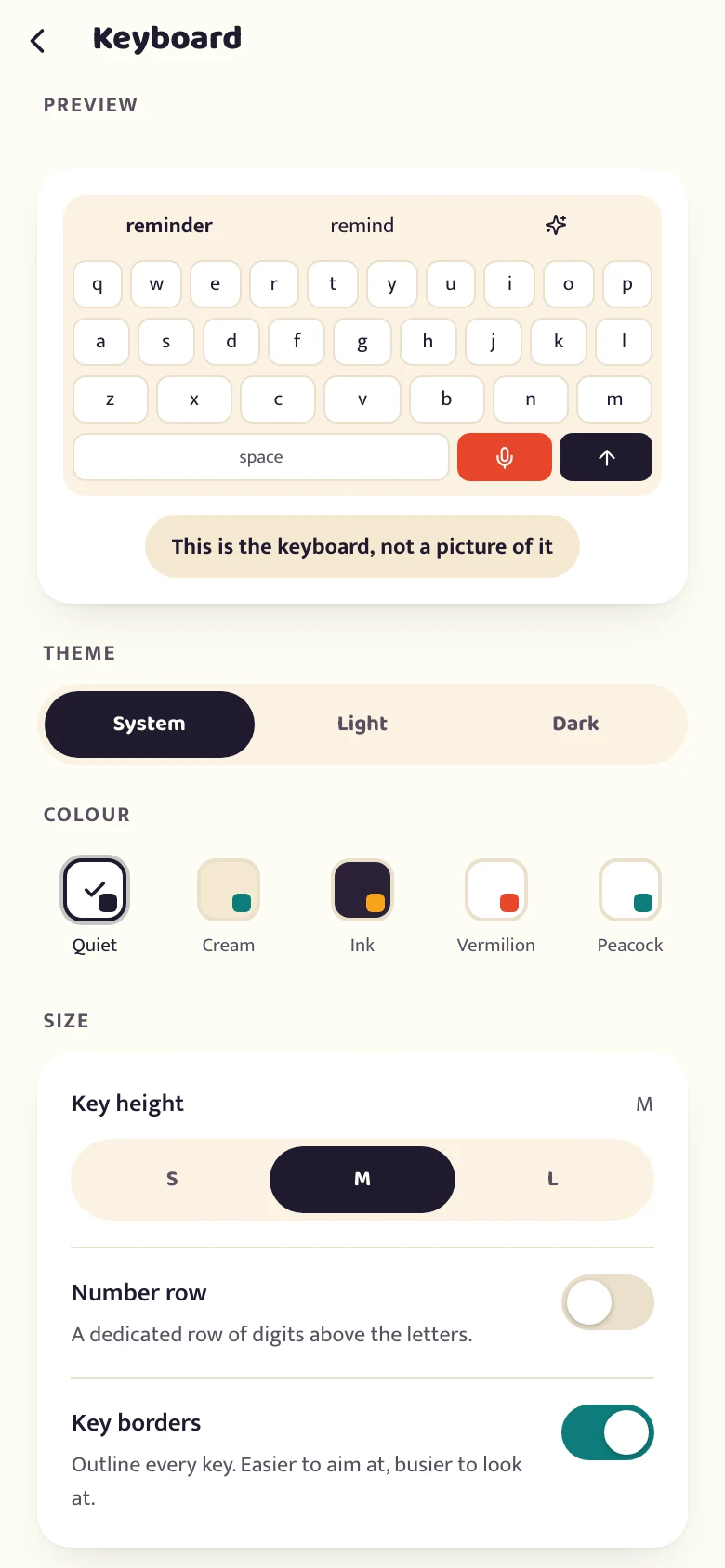
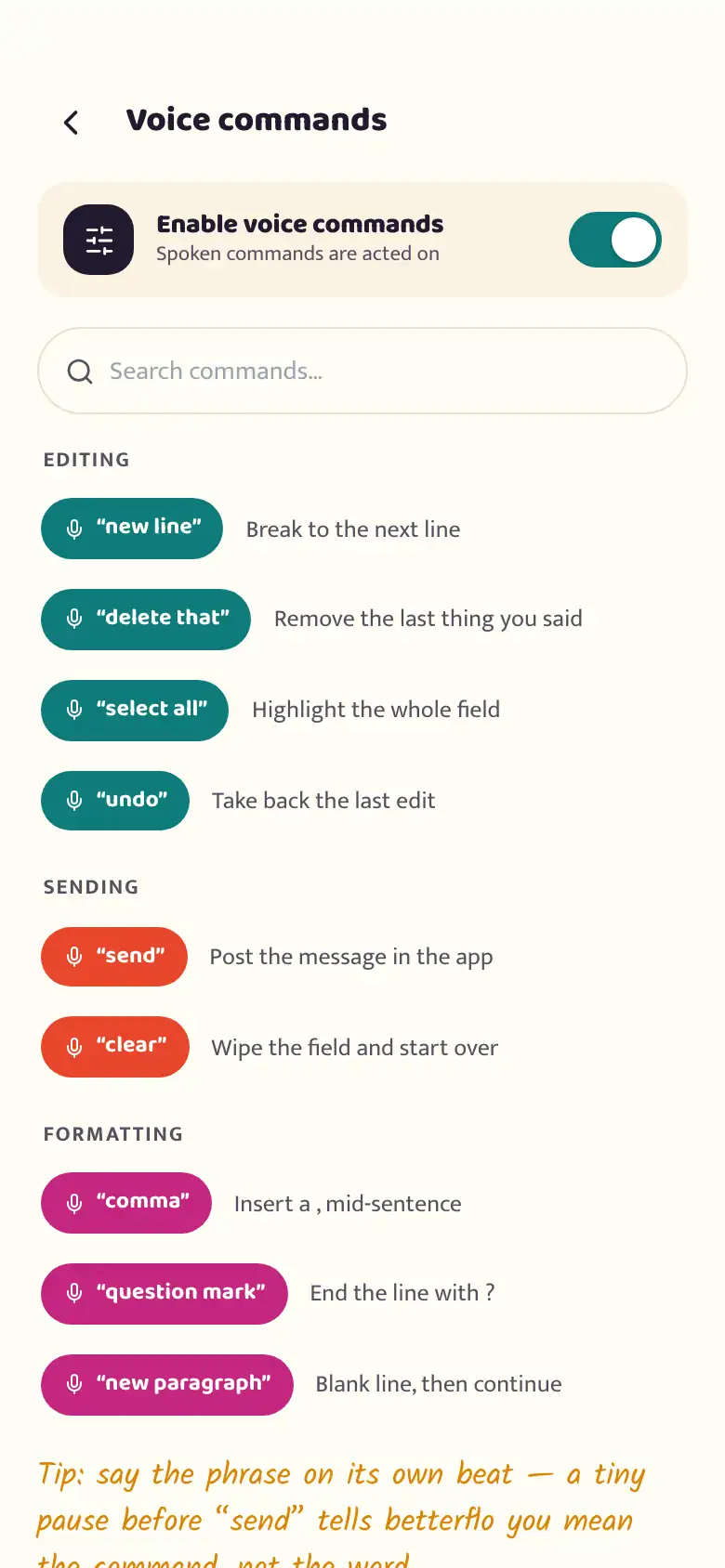
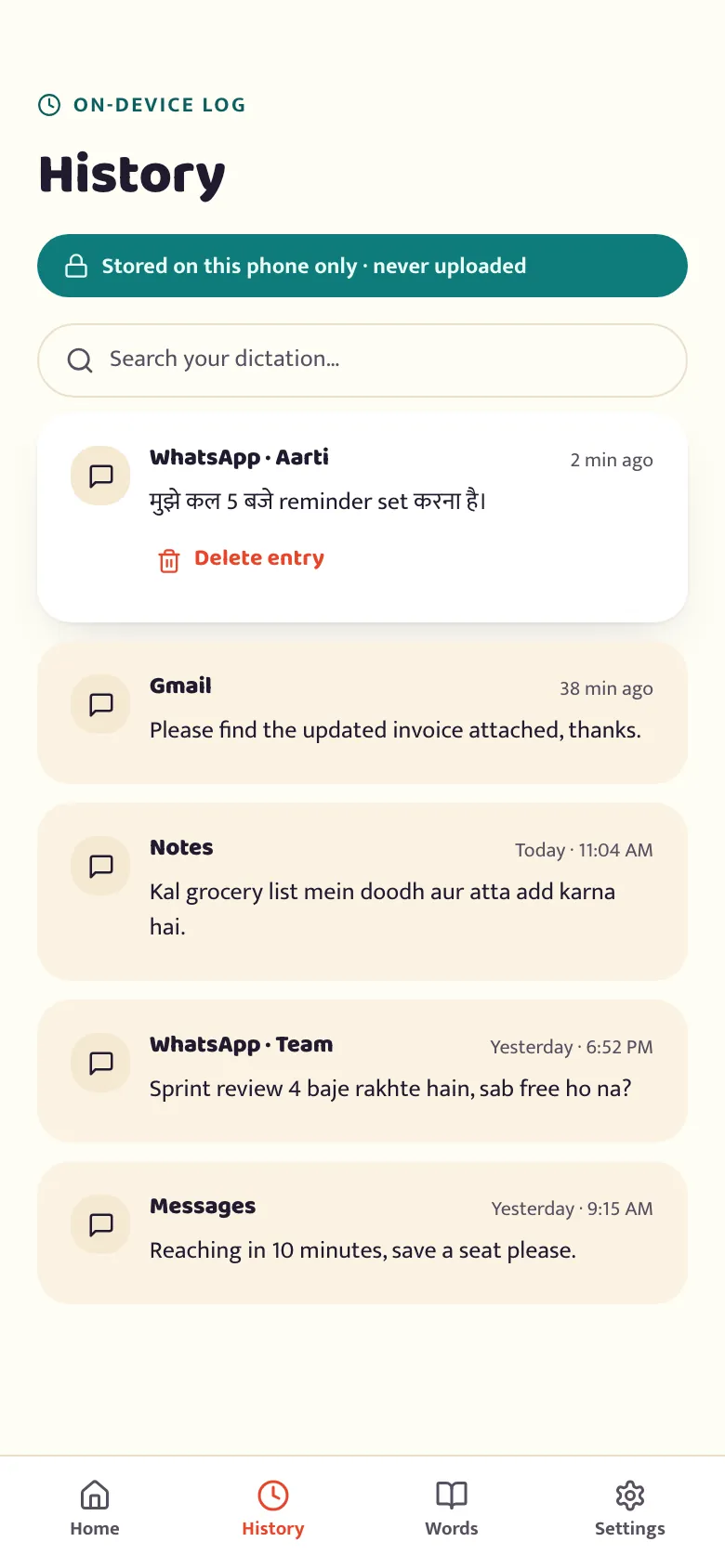
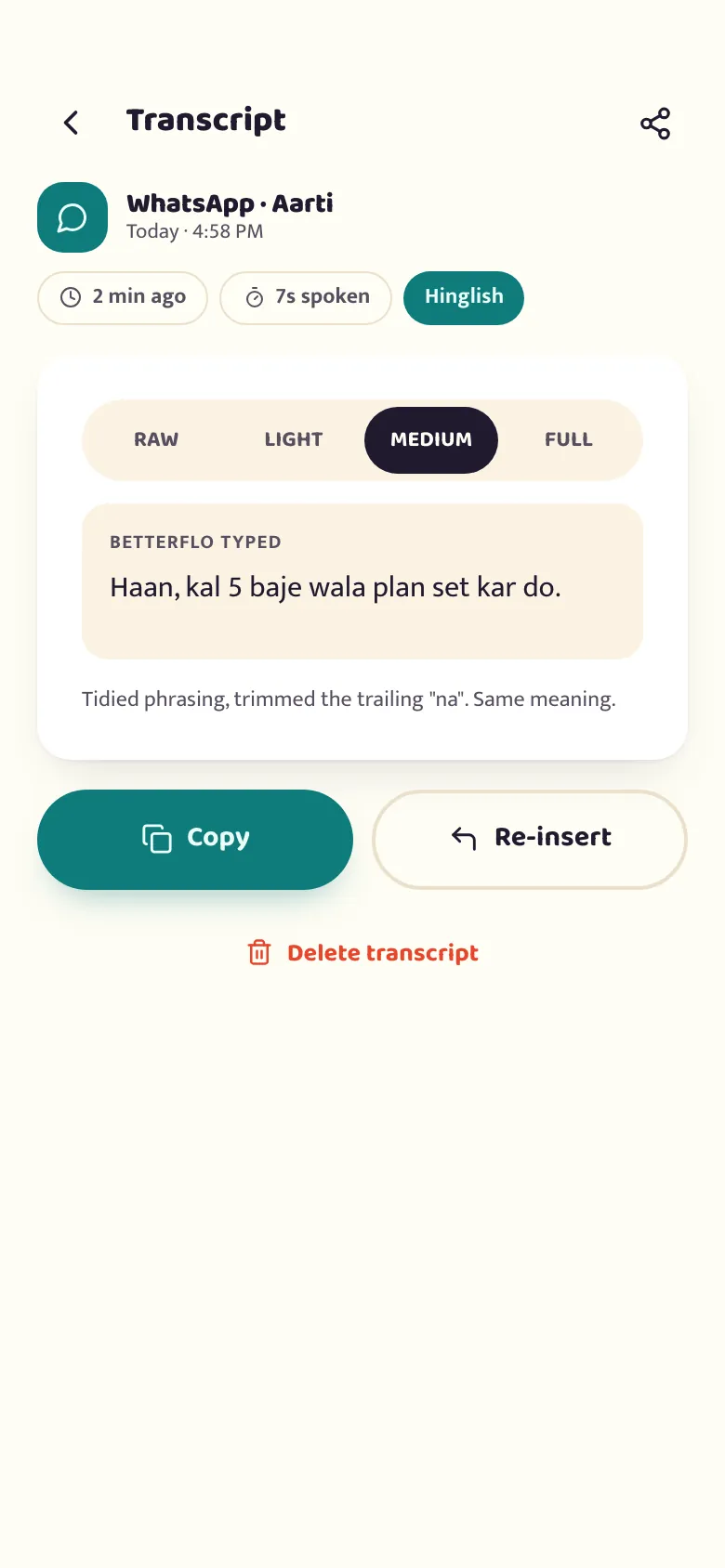
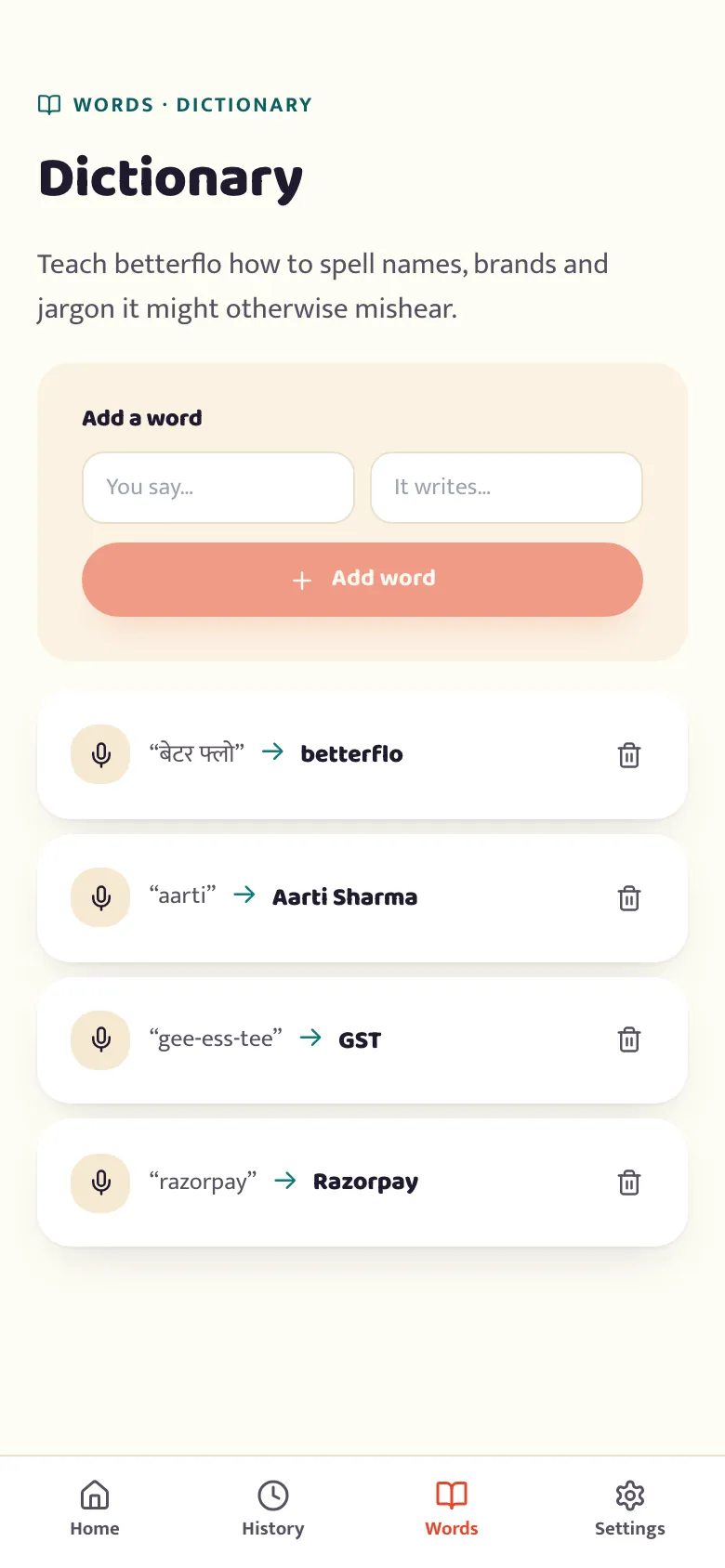
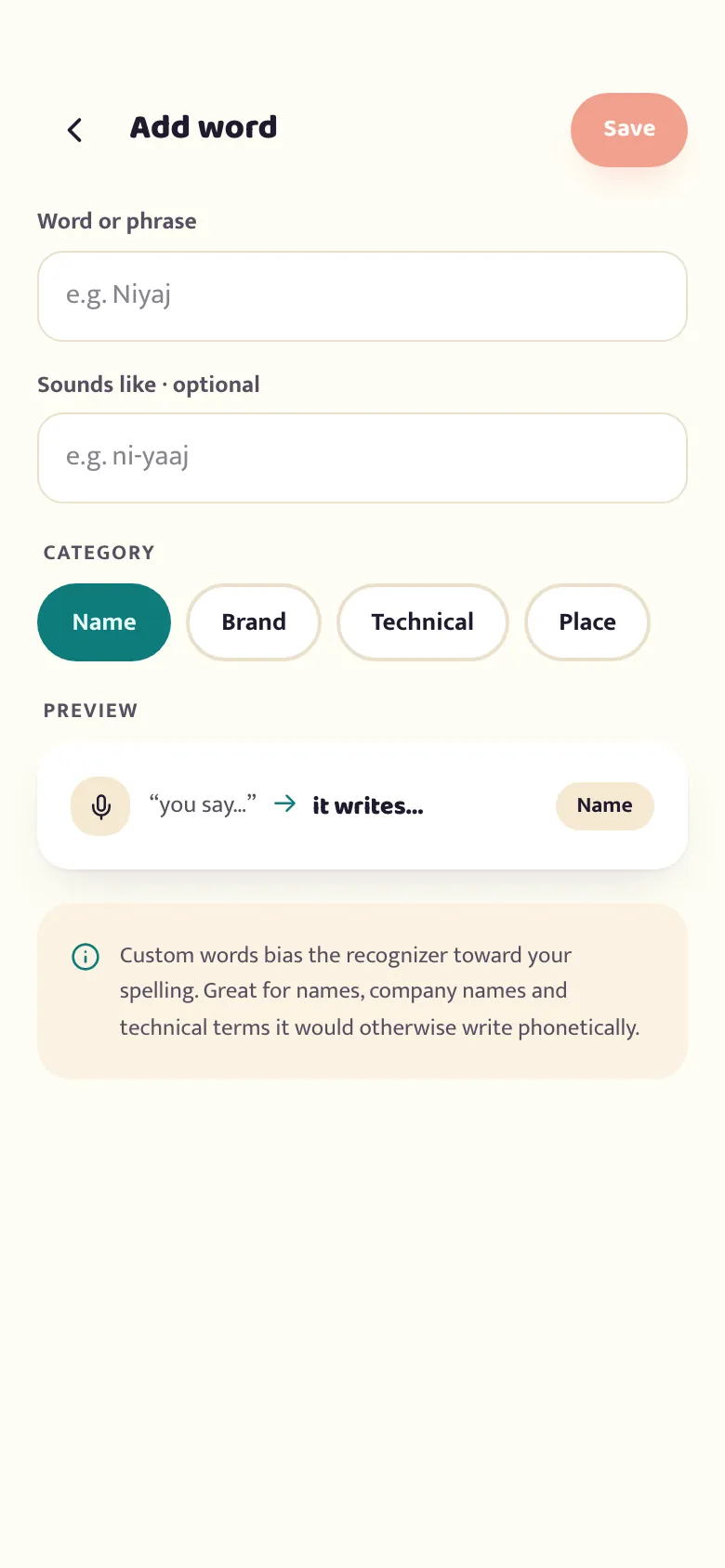
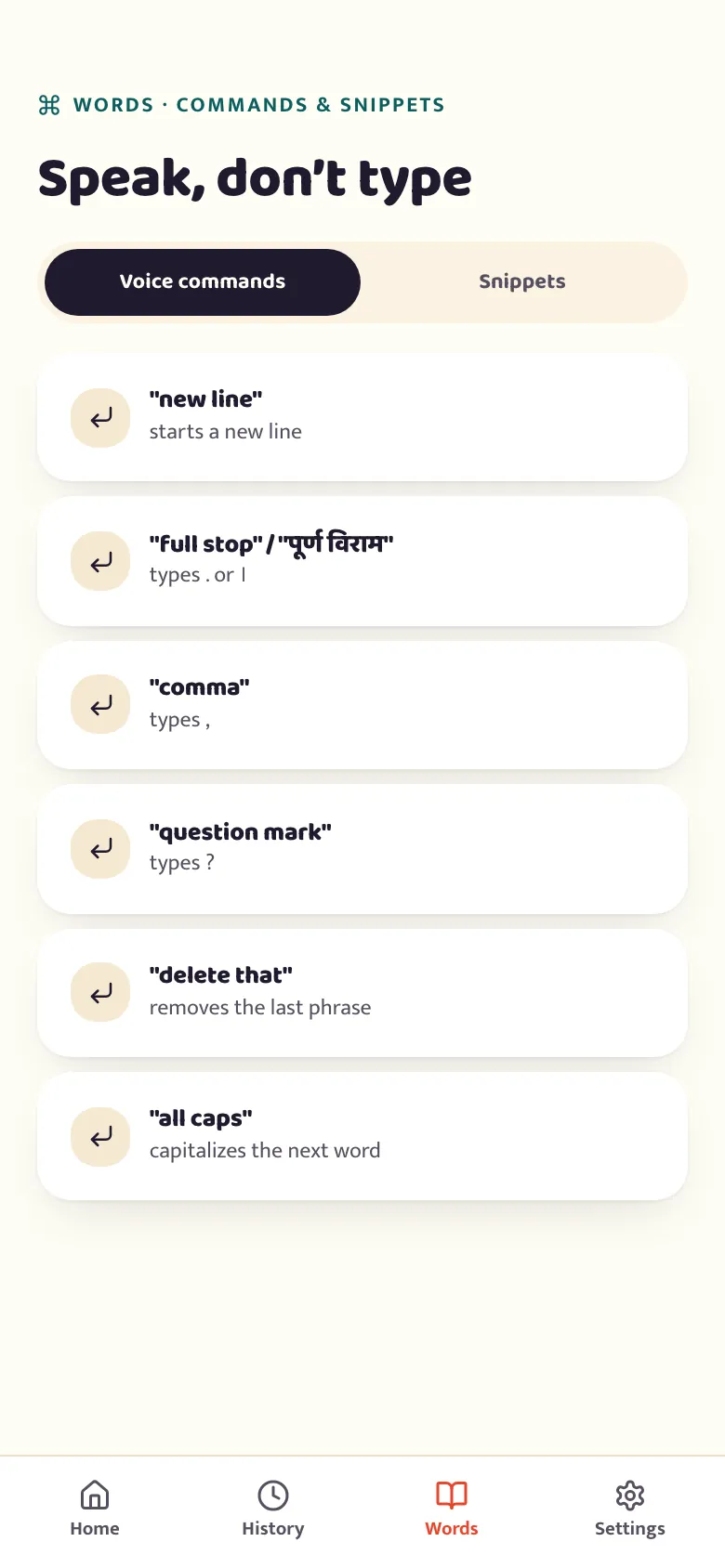
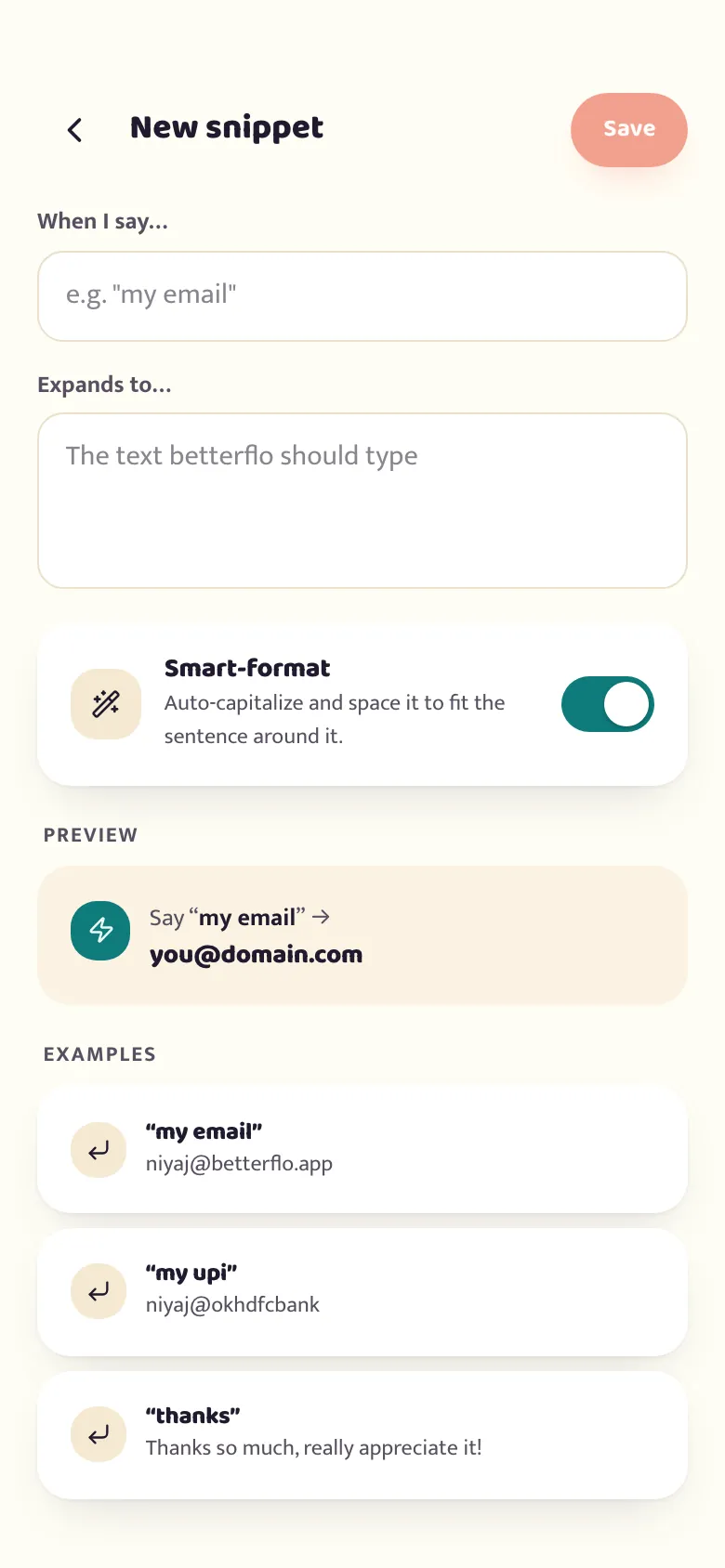
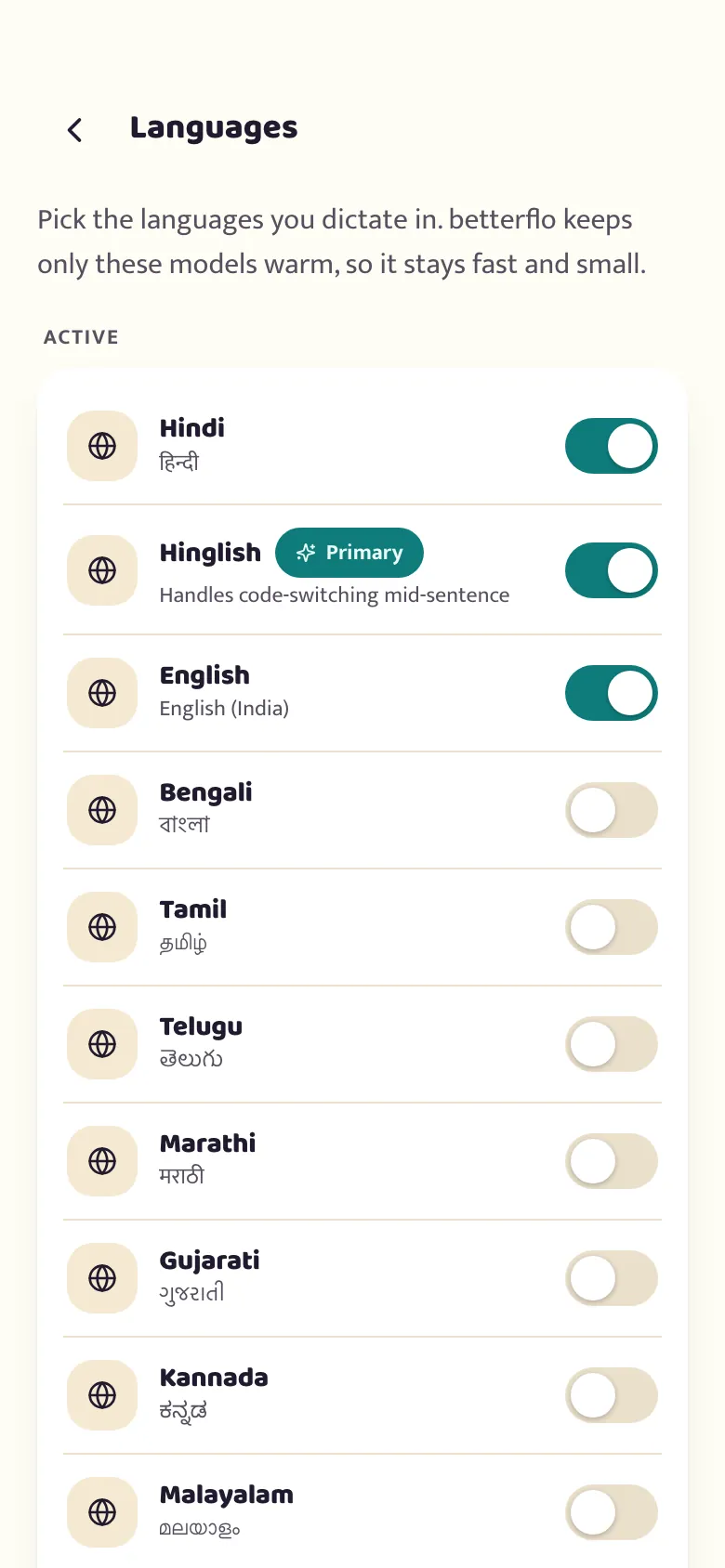
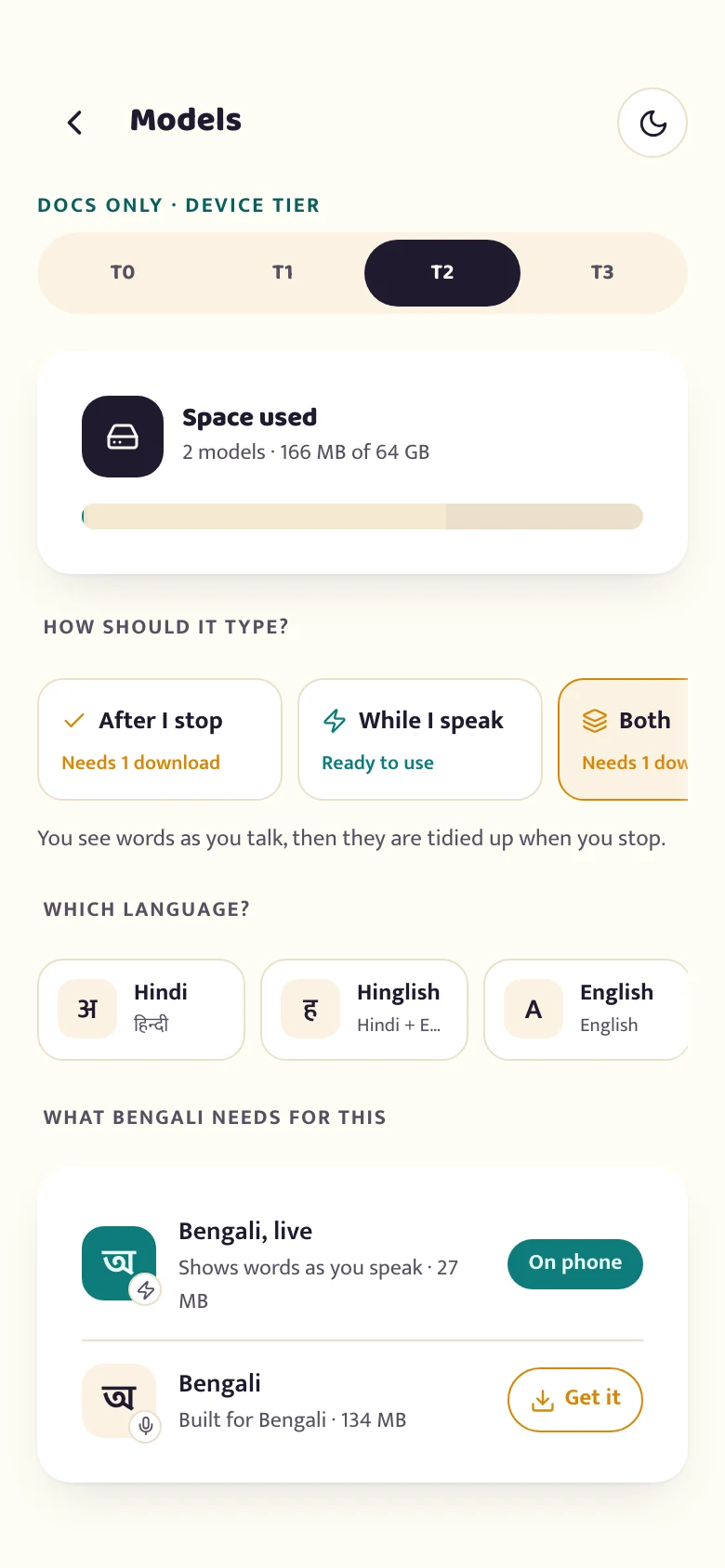
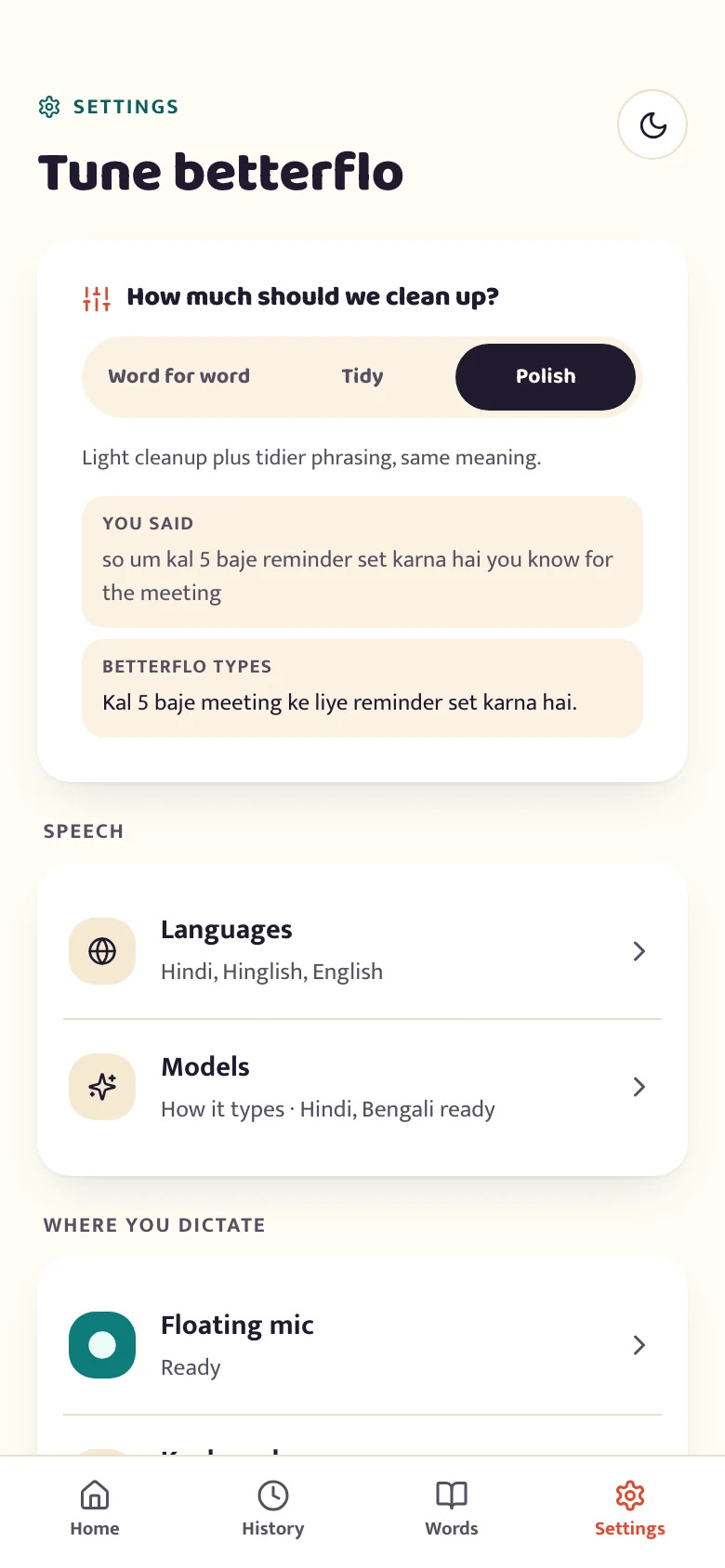
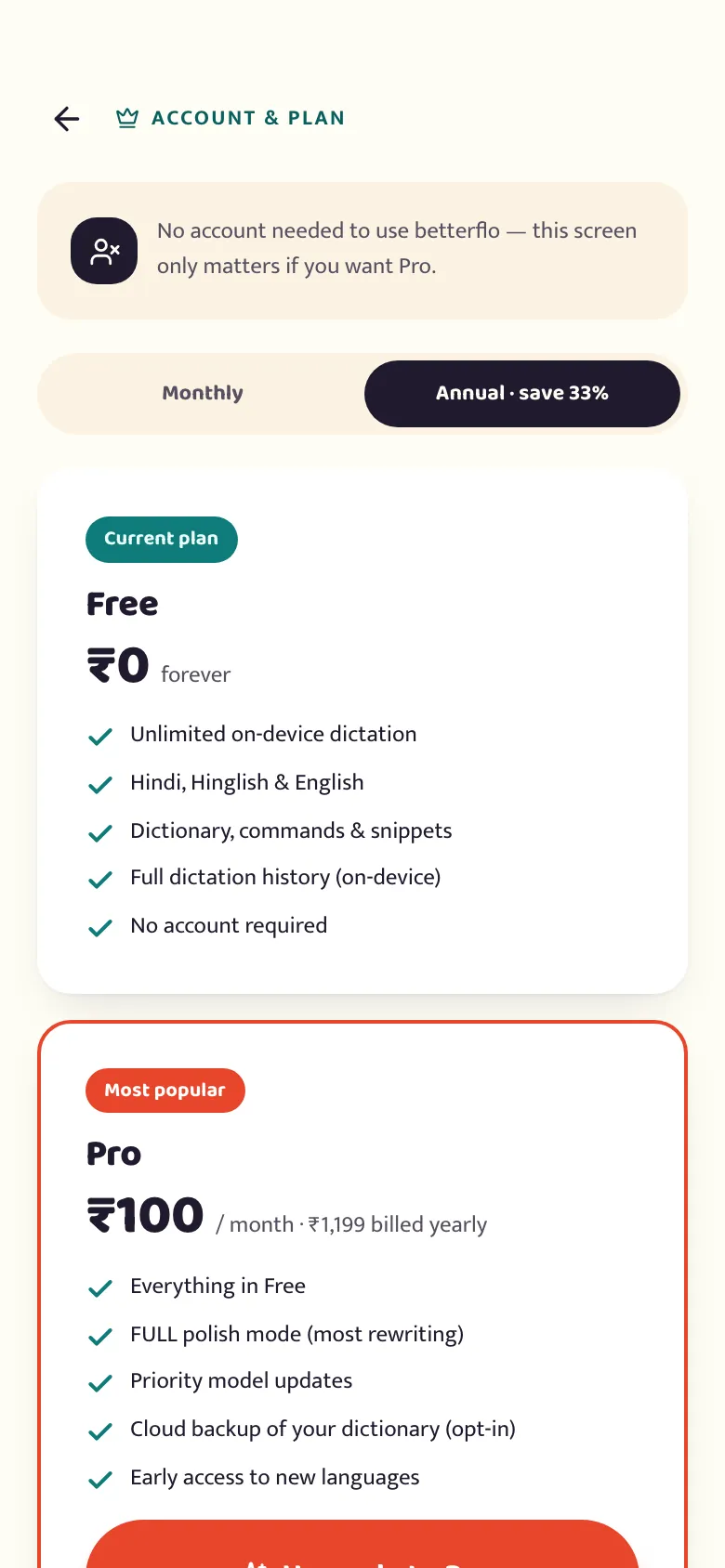
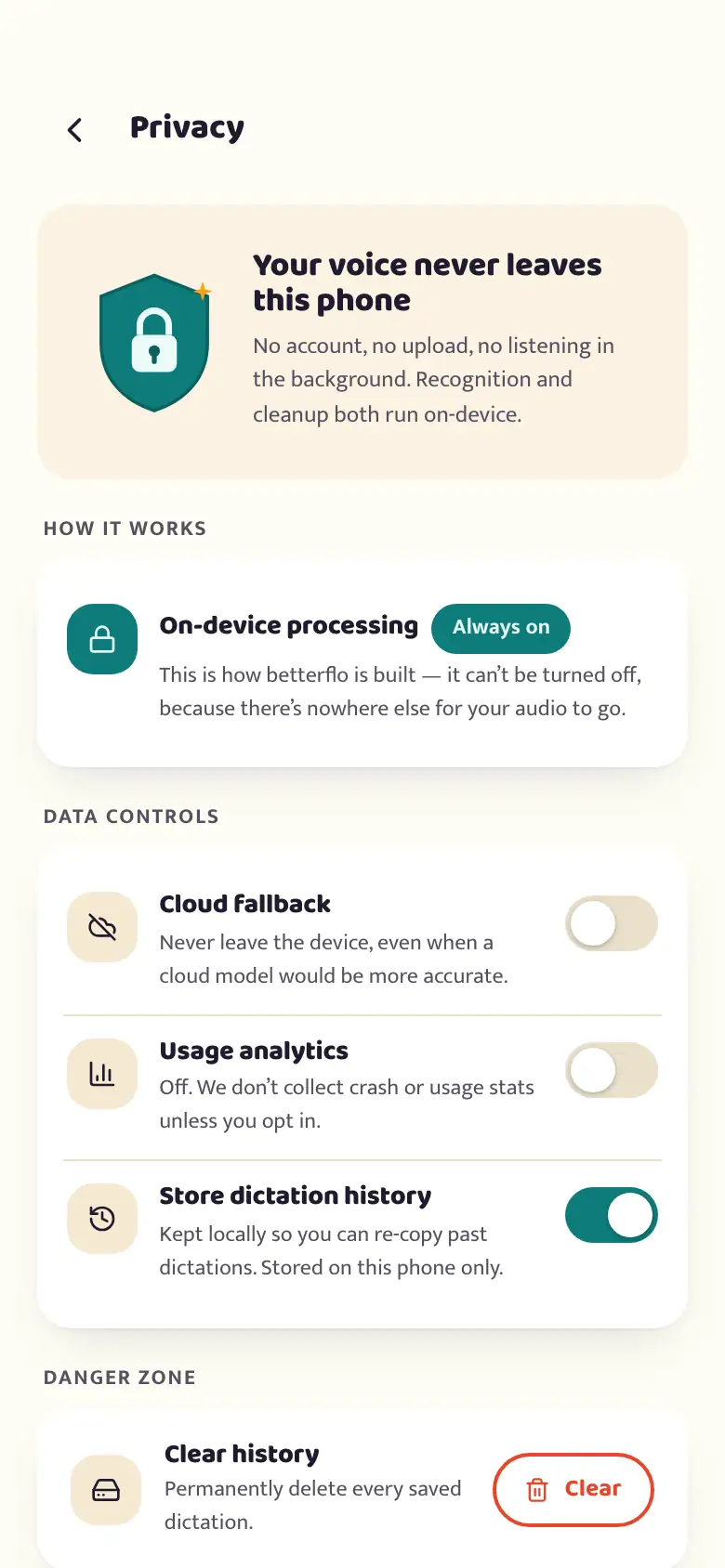
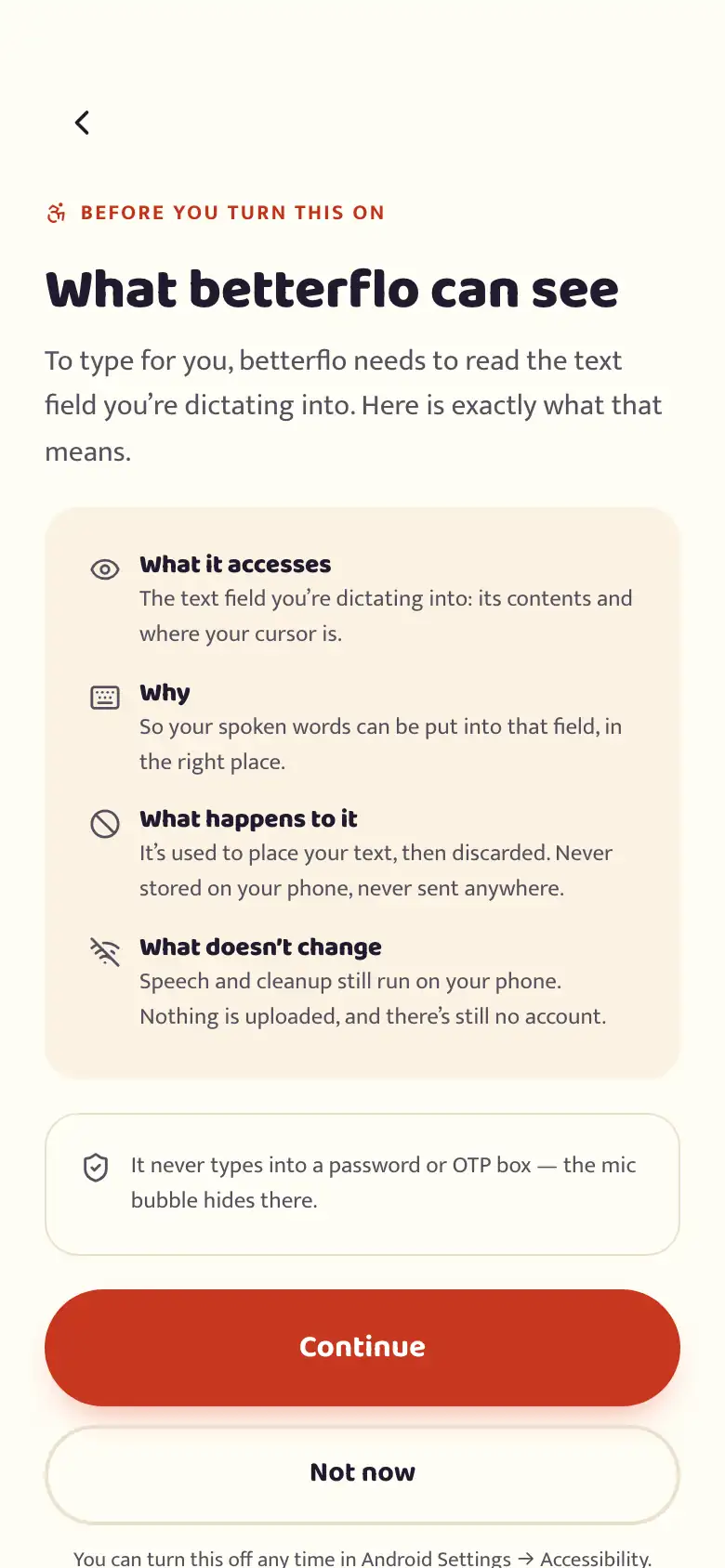
Audio and text are processed on your device by default — no cloud, no telemetry of what you say. It’s a structural choice, not a policy promise: the app simply has nowhere to send your words.
Read the privacy policyहिंग्लिश? कोई दिक्कत नहीं।
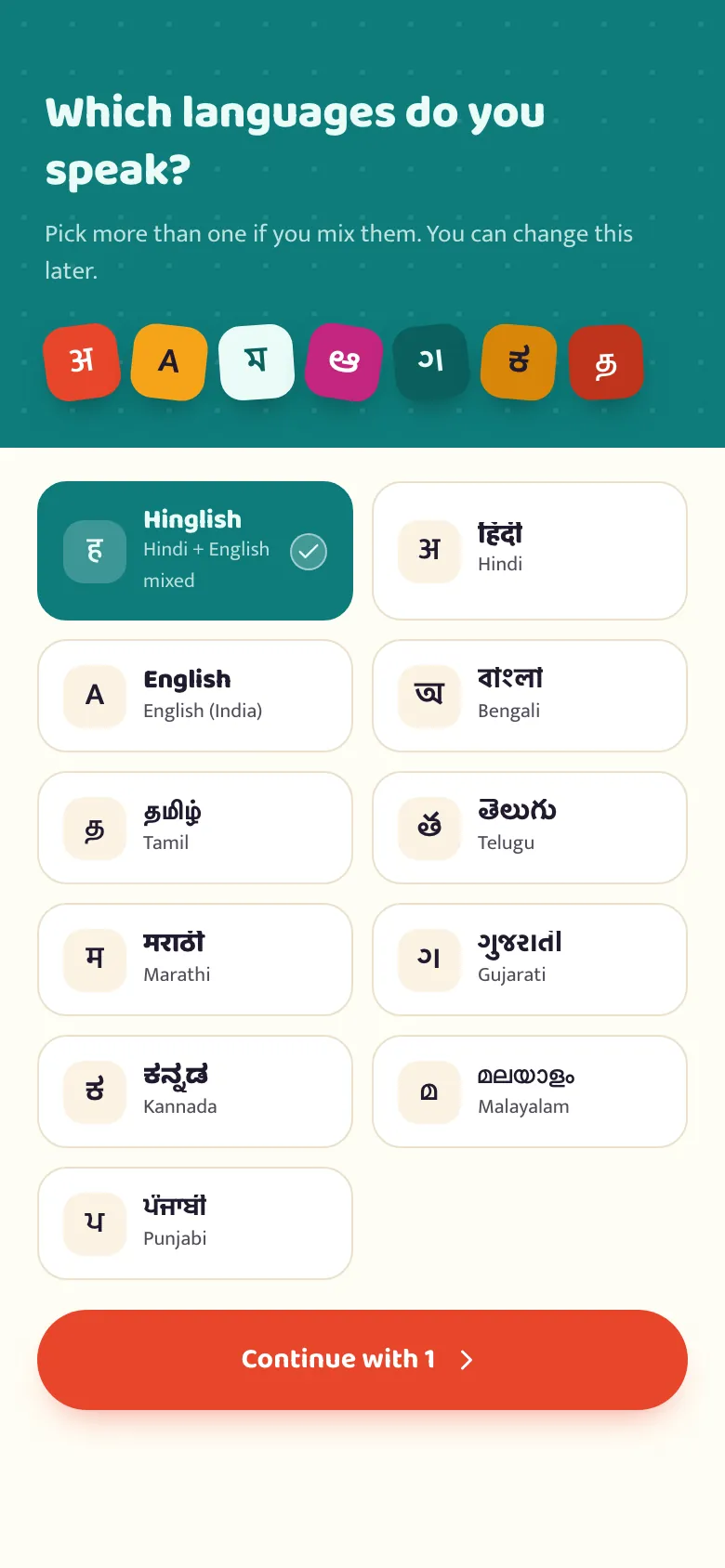
Most voice keyboards bolt Indian languages onto a model built for English. Betterflo is tuned for Indic speech — including the way you switch languages mid-sentence, without thinking about it.
“kal meeting hai at 5, please confirm karna” — understood, exactly as you said it.
We win where it’s structural: privacy, offline, Android, Indian languages. We’ll say plainly where we’re not ahead yet.
| Wispr Flow | Superwhisper | betterflo | |
|---|---|---|---|
| Processing | Cloud-only | On-device (Mac) | On-device-first + opt-in cloud |
| Android | Yes (beta) | No | Yes — floating mic + a full keyboard |
| Privacy | Weak (cloud) | Strong | Strong — on-device default |
| Indian languages | Generic | Generic | Indic-tuned, for code-switching |
| Streaming | Yes | Batch (~1.5s) | Yes |
| Price | ~$15/mo | $8.49/mo | Generous free + India-priced Pro |
Straight up: at launch we’re behind Wispr on cleanup polish and platform breadth. We built for India first — private and bilingual, on the phones people here actually own — and that is where our effort goes. We’d rather tell you that than hide it.
Unlimited on-device dictation costs us almost nothing per user — so we don’t paywall the basics.
Priced for India (₹) — announced closer to launch, below Wispr’s $15.
betterflo is live on Google Play. Use it the way you actually type, keep telling us what breaks, and the perk is yours — no invite list and no cap.
What you said, what came out, and the phone you said it on — sent as you hit them, not saved up.
From the day Pro launches, as a Google Play promo code sent to your inbox.
Free to start, no account, works offline from the first tap. You’ll turn on the floating mic after install — it’s quick, and we walk you through what it needs and why.

 Scan to install